
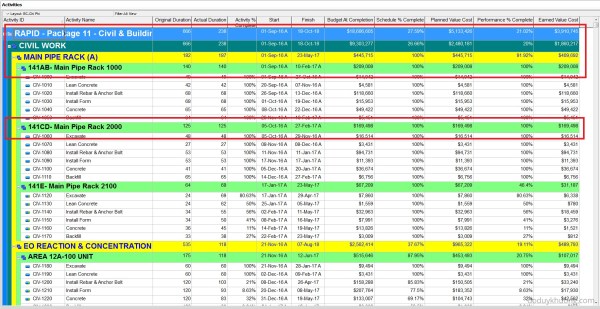
Primavera P6 allows users to view multiple projects simultaneously within the Activity window. In this example, the "Office Building" has been divided into several sub-projects, all organized under an EPS (Enterprise Project Structure) node also named "Office Building". By default, the group settings do not display the EPS title at the top of the activity... Continue Reading →
Displaying multiple projects in Primavera P6


 Khuong Do Blog
You must be logged in to post a comment.