
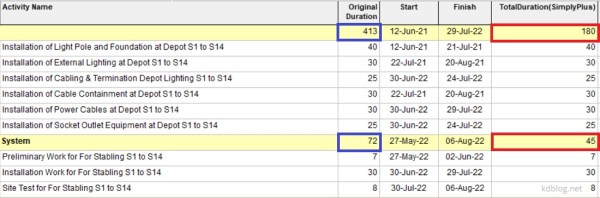
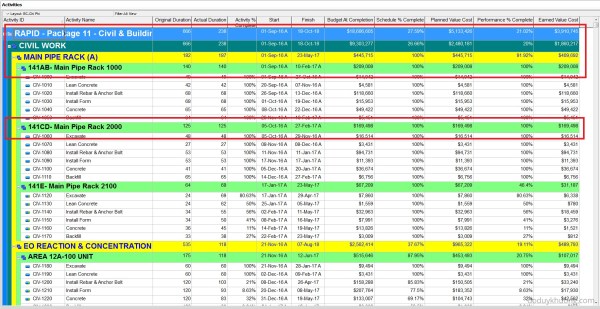
By default, Primavera P6 summarizes activity duration at the WBS (Work Breakdown Structure) level by calculating the time span from the earliest Start Date to the latest Finish Date of all activities within that WBS. However, if you prefer to calculate the summary duration by summing the individual durations of all activities, follow these steps: Step 1: Create a User Defined... Continue Reading →
Primavera P6: Summarize/Roll up activity duration at WBS level using duration value, not earliest and latest date

 Khuong Do Blog
You must be logged in to post a comment.