
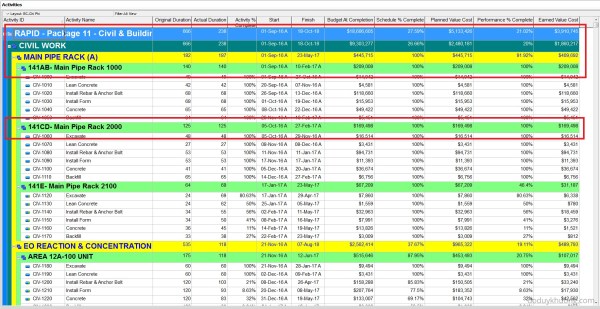
When grouping activities by Activity Code in Primavera P6, any activities that are not fully assigned a code will appear under a summary band labeled “No <Activity Code name>”, as shown in the image below. To remove or hide these unnecessary labels, you can use a simple workaround: Create a new Activity Code value with a blank description or... Continue Reading →
Primavera P6: Hide Blank Activity Code, No Activity Code at the summary band


 Khuong Do Blog
You must be logged in to post a comment.