In Primavera P6, there are two commonly used activity types: Task Dependent and Resource Dependent. The key difference between them lies in how the software determines the calendar used to calculate the activity’s finish date. Task Dependent: P6 uses the Activity Calendar to calculate the finish date. Resource Dependent: P6 uses the Resource Calendar to calculate the finish date. This choice directly impacts... Continue Reading →
What is the difference between Total Float and Free Float in Primavera P6
In Primavera P6, there are two key scheduling concepts: Total Float and Free Float. While they may seem similar, they serve different purposes. Total Float:The amount of time an activity can be delayed without delaying the project’s finish date. Free Float:The amount of time an activity can be delayed without delaying the start of its immediate successor.... Continue Reading →
Impacted As-Planned Delay Analysis : Using Primavera P6 to see combined / consolidated effect from some or all delay events
Analyzing Combined Delay Events in Primavera P6 Without Creating Multiple Projects In a typical delay analysis scenario, suppose a project experiences five distinct delay events. If we want to analyze the combined impact of Delay Event 1 and Delay Event 2, we traditionally create a new project that includes only those two events. Then, to... Continue Reading →
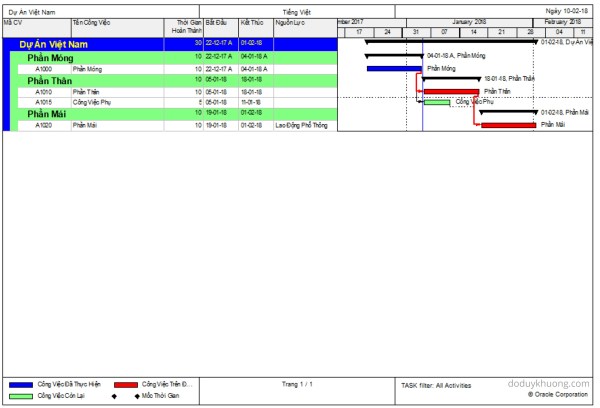
Primavera P6 Professional version 16.2.11 fully support Vietnamese using Unicode character set. Phần mềm Primavera P6 version 16.2.11 đã hỗ trợ đầy đủ Tiếng Việt Unicode
From version 16.2.11, Primavera P6 now fully support Vietnamese language using Unicode character set. If we don’t have Primavera in our laptop, we can install it following instruction here : https://doduykhuong.com/2016/06/11/how-to-install-primavera-p6-professional-16-1-stand-alone/ If we already had P6, we have to create a SQLite database. The above “How to install Primavera P6” article also show us how to create SQLite... Continue Reading →
Primavera P6 SQL database error : “The database has not been configured to run background jobs…”
While using P6, we may need to move SQL database to another computer. After backup and restore SQL database to another computer, every time we run P6, it might show this error : "The database has not been configured to run background jobs..." I will show you how to fix it. Step 1: Go to Start... Continue Reading →
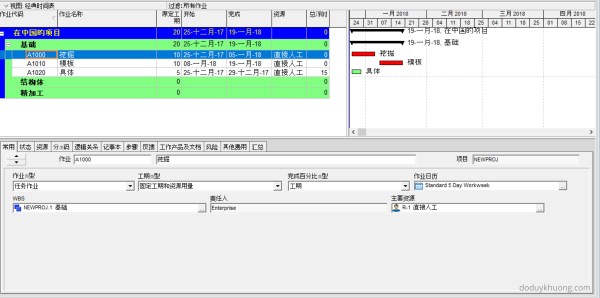
How to type Chinese character in Primavera P6 Professional / 如何在Primavera P6 Professional中输入汉字
There're lots of way to use Chinese character in Primavera P6. But I will show you the easiest way. If we don't have Primavera in our laptop, we can install it following instruction here : https://doduykhuong.com/2016/06/11/how-to-install-primavera-p6-professional-16-1-stand-alone/ If we already had P6, we have to create a SQLite database. The above "How to install Primavera P6" article also... Continue Reading →
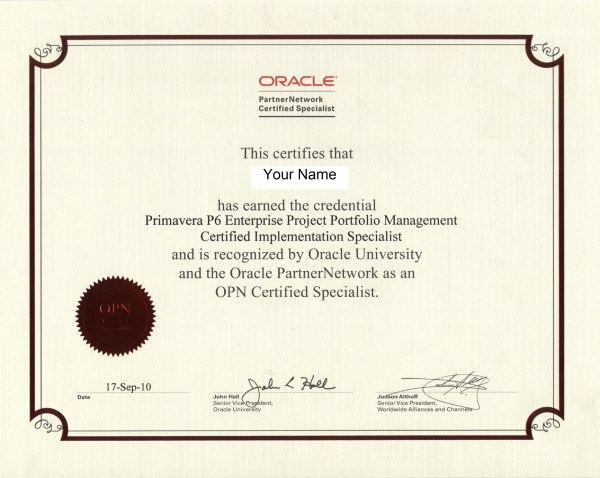
How to start learning Oracle Primavera P6 and get Primavera Certified Specialist Certificate
There're lots of queries about How to start learning Primavera P6 and How to get Primavera P6 Certified Specialist certificate. I will explain it in this article. Step 1: Before learning P6, you should have a basic knowledge of Project management or scheduling. You can get it from reading material for PMP (Project Management Professional)... Continue Reading →
Merry Christmas from Primavera P6
From Primavera P6 with love 🙂 You can download the Picture, the Project and the Layout
How to Change 5 Day Workweek to 7 Day Workweek calendar but keep Project Finish Date unchanged in Primavera P6
After three months of hard work, we completed a schedule using a 5-day workweek calendar, as shown in the image below. Then came the twist. The construction team said: “6 March 2018, is the correct project finish date—but we’re using a 7-day workweek, not a 5-day one. Sorry, must’ve been a misunderstanding.” Wait, what? Changing... Continue Reading →
Renumber / Change Activity ID for all activities to be ascending perfectly in Primavera P6
When creating an activity list for a project in Primavera P6, we often add activities in a non-sequential manner. As a result, the final list of Activity IDs may not follow a clean ascending order, as shown in the example below: To organize the Activity IDs in ascending order, follow these steps: Select all activities in... Continue Reading →
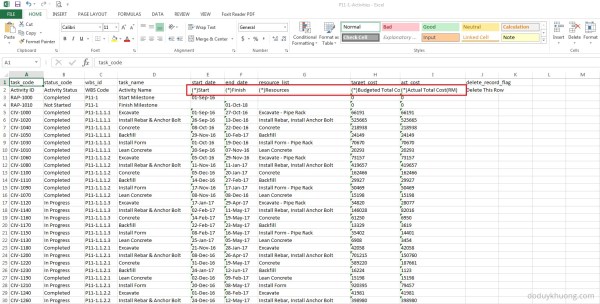
Which Fields can be imported into Primavera P6 from Excel (XLS) Spreadsheet?
When you export data from Primavera P6 to Excel, you may notice that some column headers include an asterisk (*). What does this mean? Columns marked with an asterisk (*) in the exported Excel file indicate non-importable fields. This means: You cannot modify these fields in Excel and import them back into Primavera P6. These fields are typically calculated or rolled-up values,... Continue Reading →
What’s new in Primavera P6 Professional version 17.7
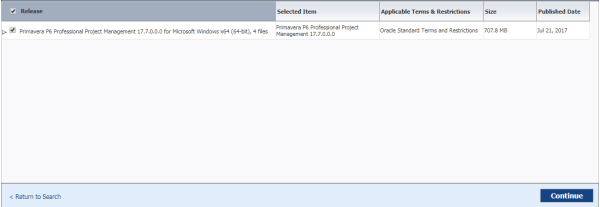
Well, in fact there is not any feature update on P6 Professional version 17.7. They just improve performance on Cloud version. So we don't have to worry about it. New Features: How to Check Out a Cloud Project to a Local Database in P6 Professional: https://youtu.be/pklutuWlhys Client System Requirements for Installing version 17.7: Database Client Download... Continue Reading →

You must be logged in to post a comment.