Primavera P6 Professional version 16.2.11 fully support Vietnamese using Unicode character set. Phần mềm Primavera P6 version 16.2.11 đã hỗ trợ đầy đủ Tiếng Việt Unicode
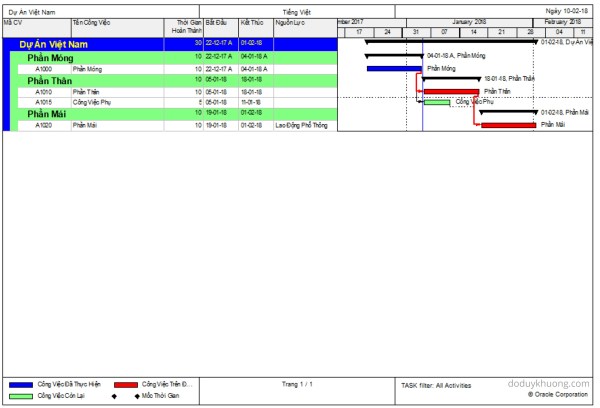
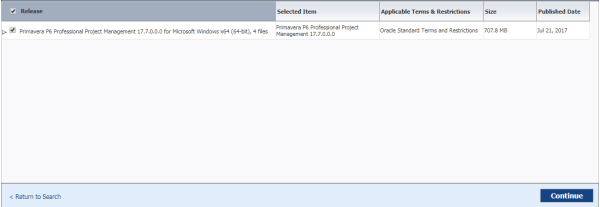
From version 16.2.11, Primavera P6 now fully support Vietnamese language using Unicode character set. If we don’t have Primavera in our laptop, we can install it following instruction here : https://doduykhuong.com/2016/06/11/how-to-install-primavera-p6-professional-16-1-stand-alone/ If we already had P6, we have to create a SQLite database. The above “How to install Primavera P6” article also show us how to create SQLite... Continue Reading →

Primavera P6 SQL database error : “The database has not been configured to run background jobs…”

While using P6, we may need to move SQL database to another computer. After backup and restore SQL database to another computer, every time we run P6, it might show this error : "The database has not been configured to run background jobs..." I will show you how to fix it. Step 1: Go to Start... Continue Reading →

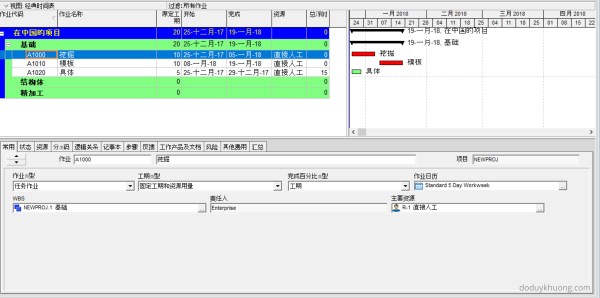
How to type Chinese character in Primavera P6 Professional / 如何在Primavera P6 Professional中输入汉字

There're lots of way to use Chinese character in Primavera P6. But I will show you the easiest way. If we don't have Primavera in our laptop, we can install it following instruction here : https://doduykhuong.com/2016/06/11/how-to-install-primavera-p6-professional-16-1-stand-alone/ If we already had P6, we have to create a SQLite database. The above "How to install Primavera P6" article also... Continue Reading →

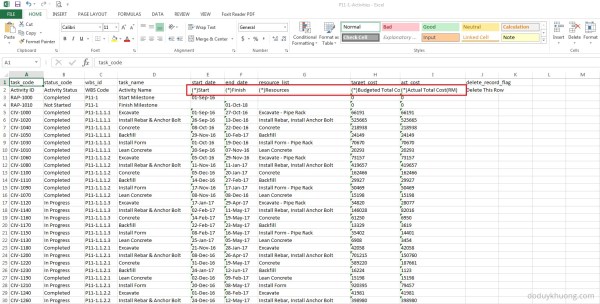
Which Fields can be imported into Primavera P6 from Excel (XLS) Spreadsheet?

When you export data from Primavera P6 to Excel, you may notice that some column headers include an asterisk (*). What does this mean? Columns marked with an asterisk (*) in the exported Excel file indicate non-importable fields. This means: You cannot modify these fields in Excel and import them back into Primavera P6. These fields are typically calculated or rolled-up values,... Continue Reading →

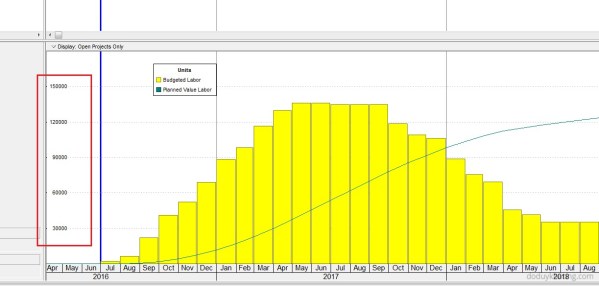
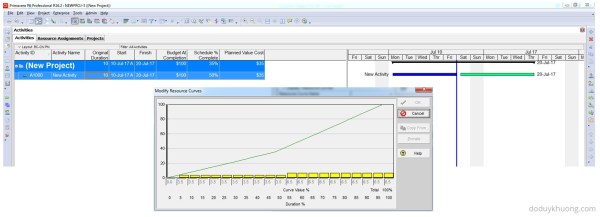
How does Primavera P6 calculate Planned Value Cost for Activities without linear distribution (using Resource Curves or Manual plan) in Earned Value Management

When applying the Earned Value Management (EVM) technique in Primavera P6, one of the key metrics is Planned Value (PV), which is calculated as: Planned Value (PV) = Budget at Completion (BAC) × Schedule % Complete Earned Value (EV) = BAC × Performance % Complete (typically equal to Activity % Complete) Schedule Variance (SV) = EV – PV A positive SV indicates the project is ahead of schedule, making Planned Value a critical... Continue Reading →

Create a website or blog at WordPress.com

Up ↑