
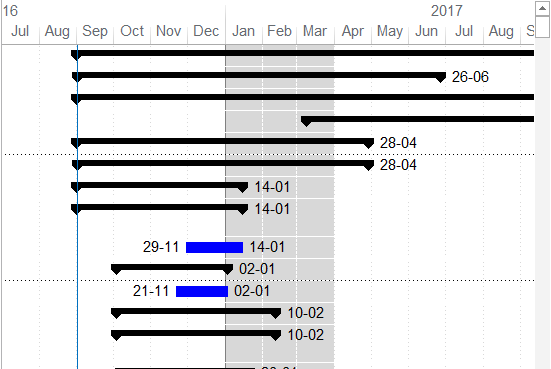
In the schedule update of Primavera P6, there are occasionally gaps (empty spaces) between the actual bars and the remaining bars as illustrated in picture below. The reasons and solutions for the issue are described in this article. Reason 1: Primavera P6 schedules and displays the activities on Gantt chart in a very detailed and... Continue Reading →
How to remove the gap between actual bar and remaining bar in schedule update in Primavera P6


 Khuong Do Blog
You must be logged in to post a comment.