
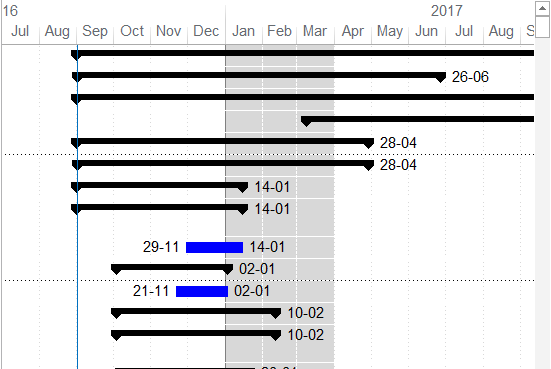
Microsoft Project does not offer a built-in tool to directly highlight a specific time period in the Gantt chart. However, you can achieve this effect by using a custom calendar. Here's how: Create a New Calendar Go to the Project tab and select Change Working Time. Click Create New Calendar and name it something like "Gantt Shade". Define the Highlighted Time... Continue Reading →
How to highlight a Time period in Gantt chart in Microsoft Project

 Khuong Do Blog
You must be logged in to post a comment.