Microsoft Project version 2013 or later provide a function named "Task Path" to highlight the driving predecessor or successor in gantt chart but not provide a function to filter the activity. We can create a macro to filter activity based on "Task Path" function. Go to View -> Macros -> Visual Basic Right click on... Continue Reading →
How to highlight a Time period in Gantt chart in Microsoft Project
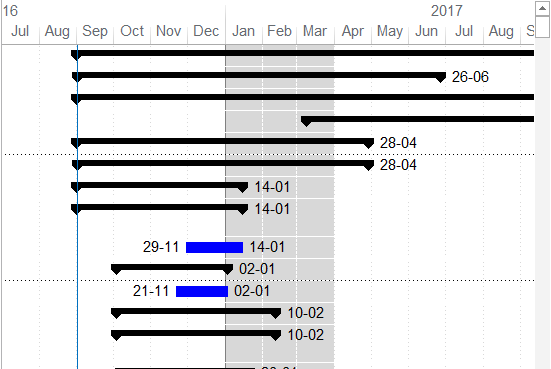
Microsoft Project does not offer a built-in tool to directly highlight a specific time period in the Gantt chart. However, you can achieve this effect by using a custom calendar. Here's how: Create a New Calendar Go to the Project tab and select Change Working Time. Click Create New Calendar and name it something like "Gantt Shade". Define the Highlighted Time... Continue Reading →
Open Microsoft Project file and a blank screen appear
When you work with Microsoft Project 2010 in 2 monitor, you finish working, save the file and then next day you open a project file and a blank screen appear like this: What the he**, where is my project? At first I thought the file is damaged, but it isn't. To show the project you... Continue Reading →
Microsoft Project : Custom View (New view) appear in all Project
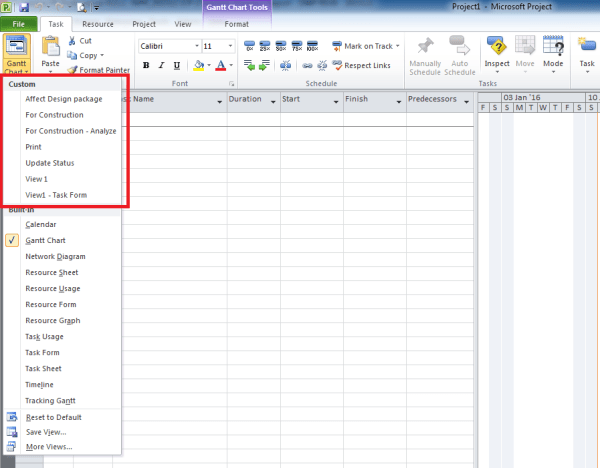
When you need to customize a View and save it for later use, sometimes we only need that View for a certain Project. However by default Microsoft Project always save New View to Global template, and it will appear in all project. This can cause problem because day by day the list of View will... Continue Reading →

You must be logged in to post a comment.