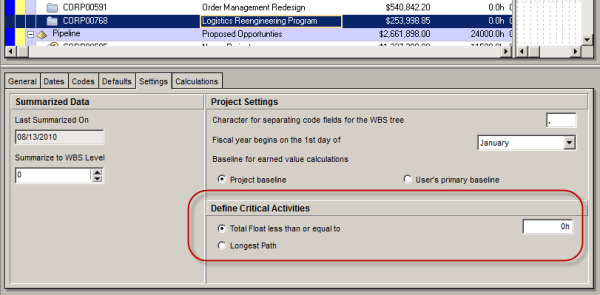
Oracle Primavera P6 offers two ways to define a critical activity in a project schedule. These are: Total Float less than or equal to [0.0h] Longest Path Which one you use depends on three things. 1. the setting you choose in the Project view’s Settings tab: 2. the setting you choose in the Schedule Options... Continue Reading →
Turn off Auto Compute Actuals for 1 activity
By default, most Primavera P6 projects enable the option: “Recalculate Actual Units and Cost when Duration % Complete changes.” With this setting turned on, whenever you update Duration % Complete, P6 automatically recalculates and updates the Actual Units. This is useful in many cases, as it keeps progress and resource usage aligned. In some situations,... Continue Reading →
Create critical path for “any activity”
In Primavera P6, when you use the default “Critical” filter, it highlights the critical path of the entire project, typically leading to the final activity. But what if you want to identify the critical path leading to an activity somewhere in the middle of the project, not just the last one? To achieve this, you... Continue Reading →

You must be logged in to post a comment.