How does Primavera P6 determine a driving relationship between activities?

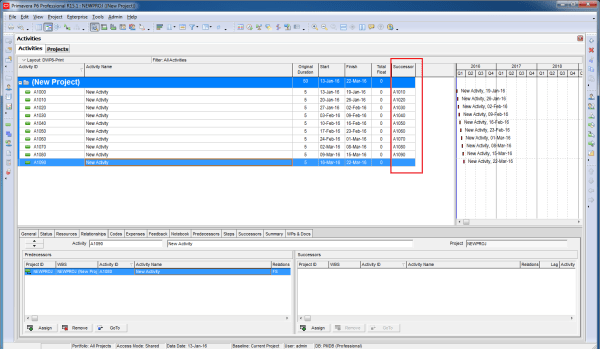
The Driving Relationship is determined based on the Relationship Free Float and the business rules for Driving Relationships. Relationship Free Float Relationship Free Float (Rel FF): The Free Float on the relationship. Calculated as Successor Early Start (assuming a Finish to Start relationship) - Relationship Early Finish on the predecessors' calendar. This field is computed... Continue Reading →

How Early and Late date are calculated in Start to Start relationship in Primavera P6

In a Finish-to-Start (FS) relationship, Primavera P6 calculates Early and Late dates using two main processes: 1. Forward Pass (Calculates Early Start and Early Finish) The Early Start (ES) and Early Finish (EF) of an activity are determined by the earliest possible time the activity can begin and end, based on its predecessor's finish. 2. Backward Pass... Continue Reading →

Filter activity by Relationship Type in Primavera P6

Sometimes, we need to filter activities based on their relationship type. For example, you might want to display only activities with a Finish-to-Start (FS) relationship. Unfortunately, the default filter function in Primavera P6 doesn’t support this directly. But don’t worry — I’ll show you how to achieve this using the Report feature. Step-by-Step Guide Go to Tools → Reports. Click the Add button to... Continue Reading →

Show relationship between group of activities

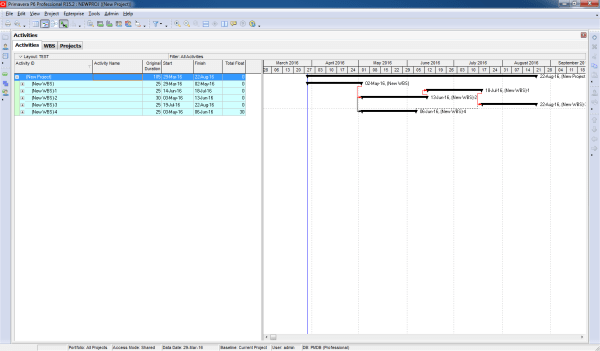
Gantt charts in Primavera P6 often display all activity relationships, which can make the report look cluttered and hard to read—especially for managers who only need a high-level view. Default View By default, Primavera shows all relationships between activities: Simplified View We want to collapse activities and show only relationships between summary bars: Instead of... Continue Reading →

Create a website or blog at WordPress.com

Up ↑