
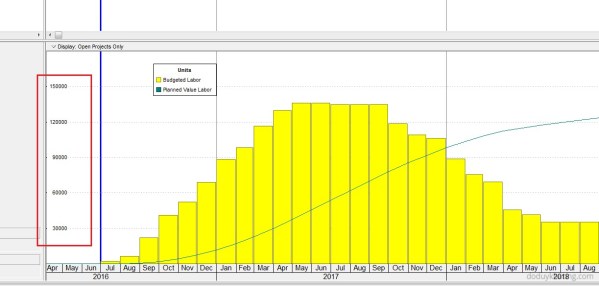
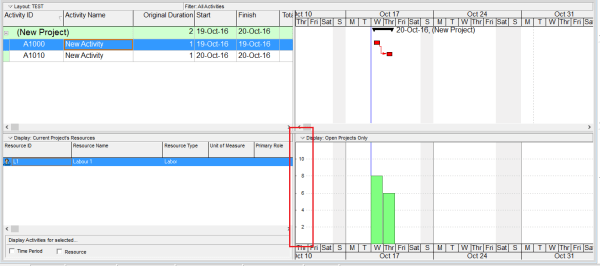
When using the Resource Usage Profile in Primavera P6, you may encounter an issue where the Unit of Measure (UOM) is not displayed. This can happen for several reasons, depending on the type of resource and your settings. 1. Material Resource Without a Defined Unit of Measure Cause: If the resource is a Material type, the Unit of Measure may not have... Continue Reading →
Why is Unit of Measure not showing in Resource Usage Profile in Primavera P6


 Khuong Do Blog
You must be logged in to post a comment.