Filter activity by Relationship Type in Primavera P6

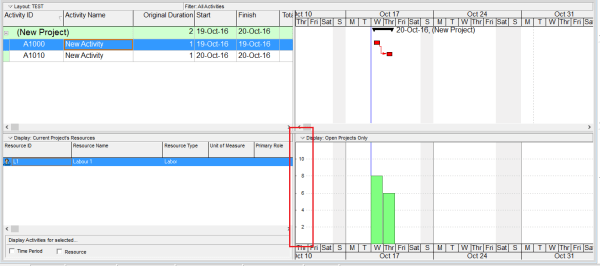
Sometimes, we need to filter activities based on their relationship type. For example, you might want to display only activities with a Finish-to-Start (FS) relationship. Unfortunately, the default filter function in Primavera P6 doesn’t support this directly. But don’t worry — I’ll show you how to achieve this using the Report feature. Step-by-Step Guide Go to Tools → Reports. Click the Add button to... Continue Reading →

How is the Y-Axis scale determined in the Resource/Activity Usage Profile

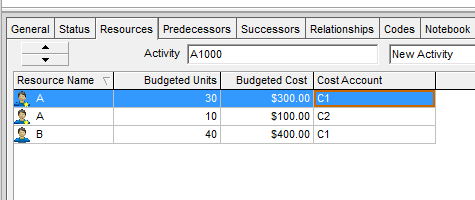
When viewing the Resource Usage Profile or Activity Usage Profile in Primavera P6, you may notice that the Y-axis scale is automatically determined by the software. But how exactly is this value calculated? Let’s break it down. The Y-axis scale depends on the Timescale setting — whether it's set to week, month, or year. Based on this setting, Primavera identifies the maximum value (i.e., the tallest... Continue Reading →

How to perform Impacted As-Planned Delay Analysis in Primavera P6

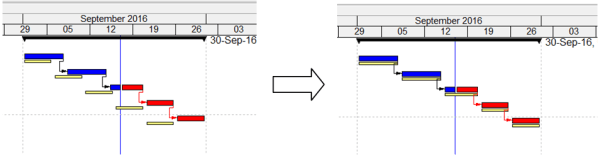
The Impacted As-Planned method measures the impact of the delays on the as-planned schedule. The delays are formulated as activities and added to the as-planned schedule showing the effect of each delay and demonstrating how the project is being delayed. The amount of delay equals the difference in completion dates between the schedules before and after the impacts. Step-by-Step Guide:... Continue Reading →

How to update Baseline in Primavera P6

In project management, a baseline is typically fixed and used to measure performance against the original plan. However, in certain cases—such as significant delays or scope changes—it may be necessary to update the baseline. This guide walks you through two methods to update a baseline in Primavera P6. We have a simple project with an assigned baseline.... Continue Reading →

How does Progress Line in Primavera P6 work?

Primavera P6 provides a useful tool called Progress Line, which allows users to visually compare Actual Progress (% Complete) with the Baseline directly on the Gantt chart. Step-by-Step Guide 1. Project Setup We begin with a simple project that has an assigned Project Baseline. 2. Update the Project After updating the project: Activity A finishes... Continue Reading →

Create a website or blog at WordPress.com

Up ↑