In the WBS window, you can build the entire WBS structure using only the keyboard—which is often much faster than using the mouse. Instead of clicking the “Plus” icon to create a new WBS element, simply press the “Insert” key on your keyboard. Then: Enter the WBS ID Press “Tab”, and enter the WBS name... Continue Reading →
Can not import Layout
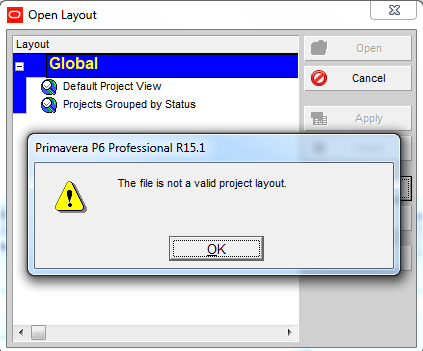
Your colleague sends you a Primavera XER file along with a Layout file. After successfully importing the project, you go to: Layout → Open → Import → Select the layout …and suddenly, an error appears: Your first reaction might be:“The layout file must be corrupted, I should ask them to resend it.” But wait, it’s... Continue Reading →
Remove relationship for multiple activities
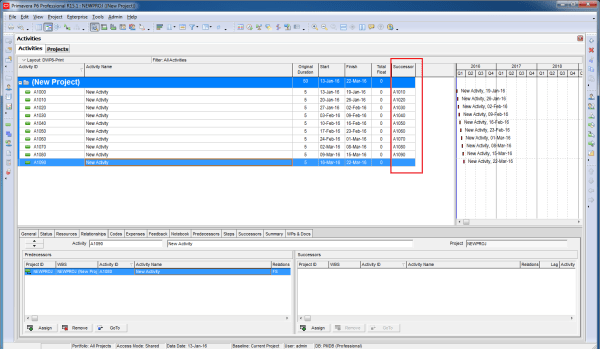
If you have a group of activities and need to remove all their relationships, doing it one by one can be time-consuming. Fortunately, there’s a much faster way. Instead of opening each activity and clicking Remove, you can: Select all the activities you want to update Right-click and choose Assign → Predecessors (or Successors) In... Continue Reading →
Can not filter on Start or Finish date
You have a simple requirement: display only the activities that finish on 25-Jan-16. As usual, you create a filter based on that finish date: Then… SURPRISE - the screen is completely blank. To find the answer, you need to check the time component of your activity dates. Go to: Edit → User Preferences → Dates... Continue Reading →

You must be logged in to post a comment.