
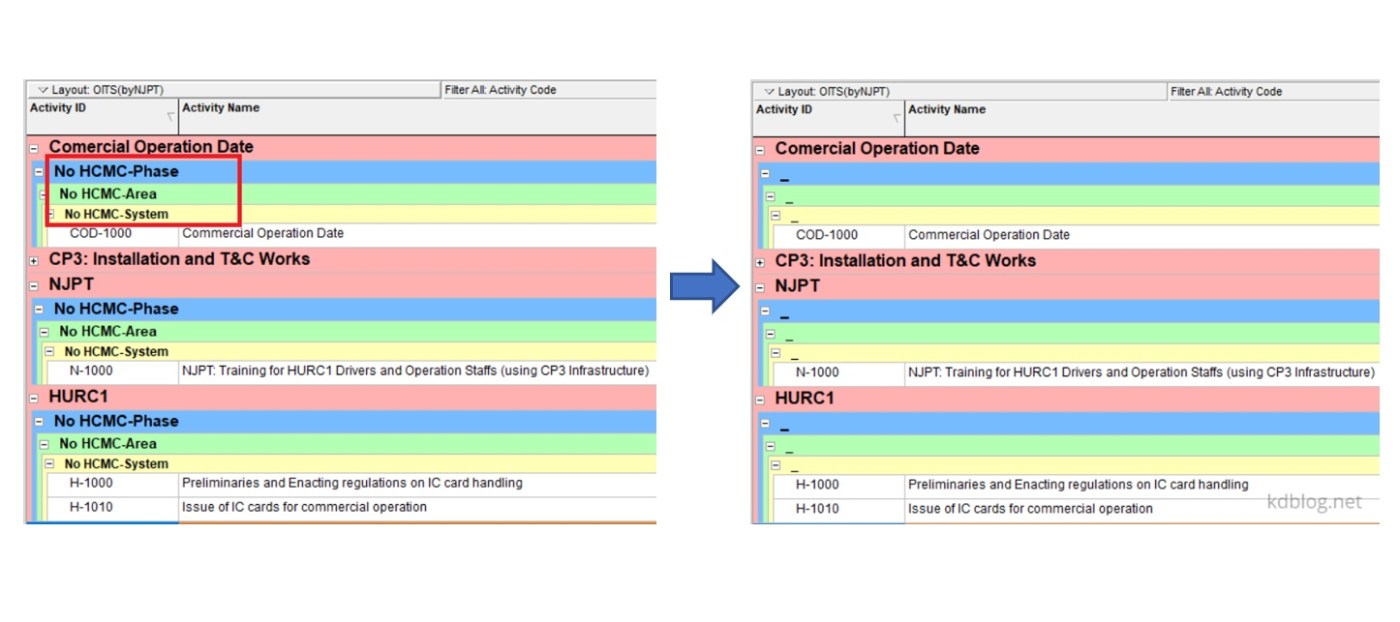
When grouping activities by Activity Code in Primavera P6, any activities that are not fully assigned a code will appear under a summary band labeled “No <Activity Code name>”, as shown in the image below.
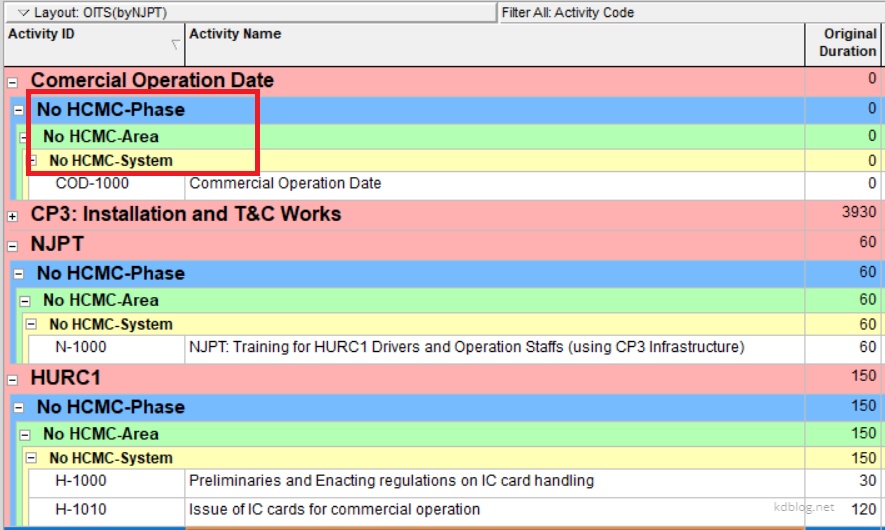
To remove or hide these unnecessary labels, you can use a simple workaround:
- Create a new Activity Code value with a blank description or a minimal placeholder, such as a hyphen (“_”)

2. Assign this placeholder code to the activities that currently have no code assigned.
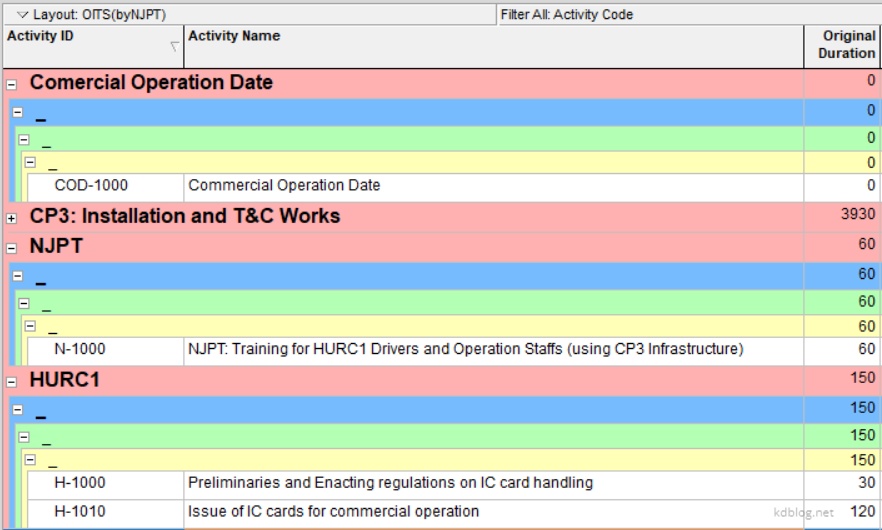
This approach ensures a cleaner and more professional-looking layout, without distracting or redundant labels.

 Khuong Do Blog
Leave a comment